Working with Color Proof Pro
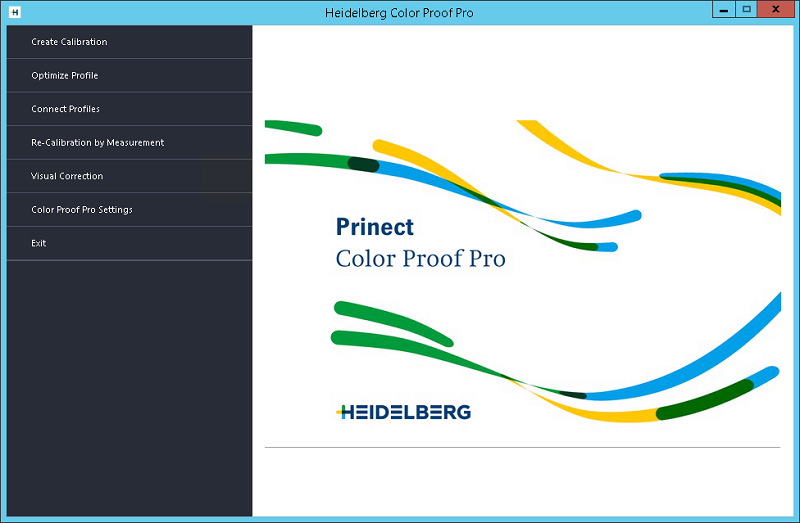
The start page appears after Color Proof Pro has been started from the Windows user interface:
From the start page, you can run each of the program modules and terminate Color Proof Pro.

Note: In this documentation, the term "system printers" is used occasionally, for example, when it comes to printing reports. "System printers" refer to printers that are installed as "Office printers" on the computers concerned. These printers are generally connected through Windows Control Panel and not through Color Proof Pro. If a system printer is not available, you can also print reports, for example, using a proof printer.