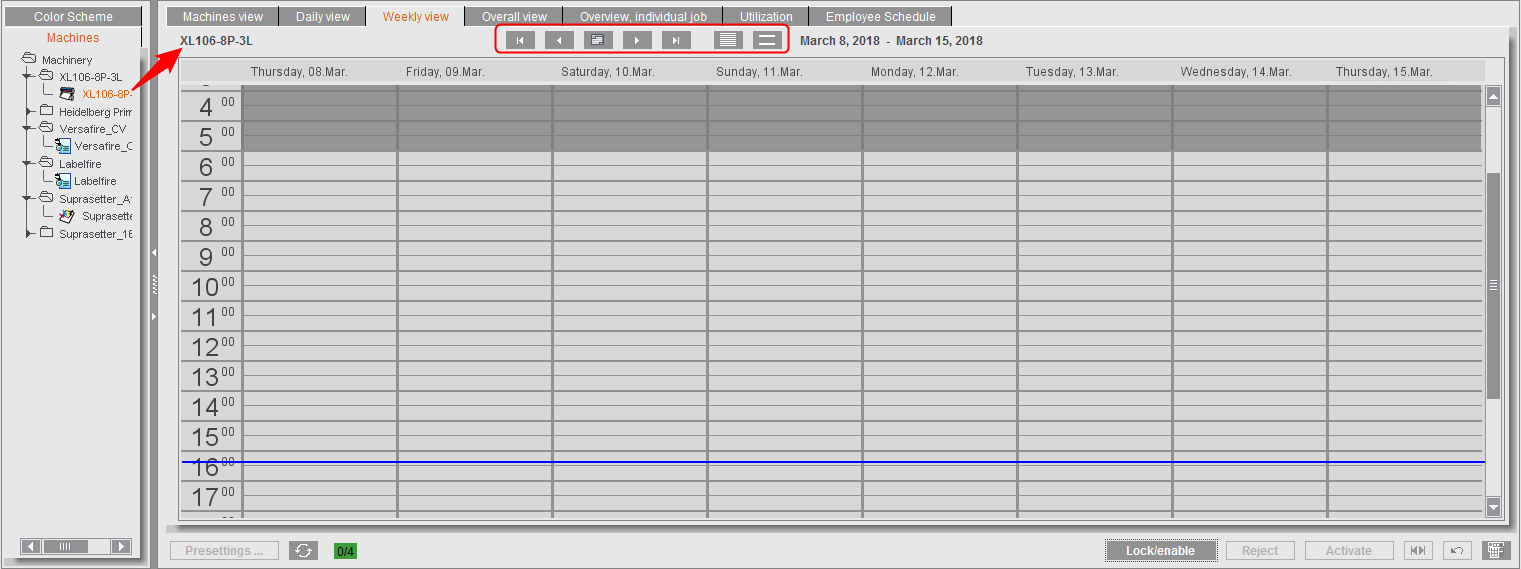
This view shows the machine operations scheduled for the current week.
The toolbar
In contrast to the daily view, the toolbar only has tools for selecting the date (see The toolbar (6)) and for increasing/reducing the line height.
In contrast to the daily view, this view displays the schedules for one machine only that you selected in the "Machines" tab; you cannot select other machine sets.
"Print preview" in the context-sensitive menu lets you print the weekly view (8 days x 24 hours) to a connected system printer.