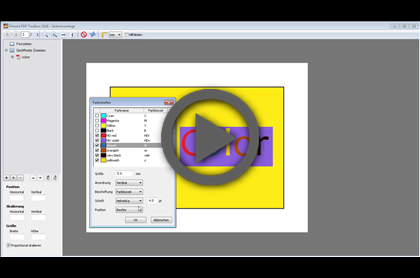
Video-Tutorial: Placing different data records on one page
Duration: 4 min.
Video Tutorials
You can find a list of all video tutorials available on Prinect PDF Toolbox in this chapter. An Internet connection is needed to view the video files because they are stored on the Prinect servers.
Placing different data records on one page
(Video for Prinect PDF Toolbox 2019)
|
|
Video-Tutorial: Placing different data records on one page Duration: 4 min. |

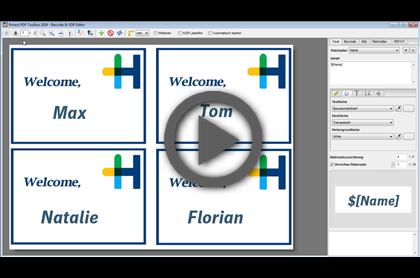
This video shows you how to create a versioned PDF file where an image is replaced by another.
(Video for Prinect PDF Toolbox 2018)
|
|
Video Tutorial: Dynamic placement of images with the Barcode & VDP Editor Duration: 3 min. |
(Video for Prinect PDF Toolbox 2019)

|
Tutorial video: Introduction to the new tool Duration: 4 min. |

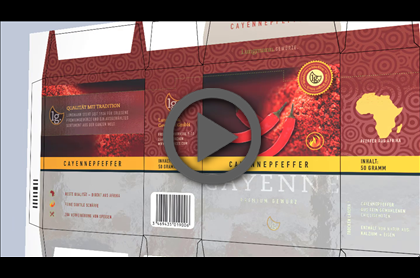
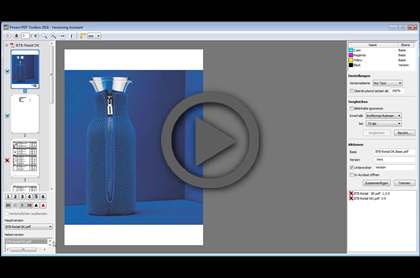
This video presents the new user interface of the Versioning Assistant based on an example. This starts off with a job that has a PDF file for each of the various languages, containing a base in addition to the version-specific parts. The aim is to split off a joint base for all language versions.
(Video for Prinect PDF Toolbox 2018)

|
Video Tutorial: Split base and version using the Versioning Assistant Duration: 6 min. |

Interaction of Prinect PDF Toolbox and Prinect Color Toolbox
The Prinect PDF Toolbox and Prinect Color Toolbox have some interfaces that are complementary. Some tasks are best solved by a combination of both programs.
Replacing spot colors by Multicolor
This video shows how a spot color is replaced by a multicolor structure in Color Editor Spot Colors of the Prinect PDF Toolbox. The values for the spot colors are then exported and imported to the Prinect Color Toolbox. Using Assemble Pages of the PDF Toolbox, a color strip is set that is measured with Color Toolbox and compared with the imported reference values.
(Video for Prinect PDF Toolbox 2018)
|
|
Video Tutorial: Replacing spot colors using Multicolor Duration: 5 min. |
Export and analysis of color tables as a test chart
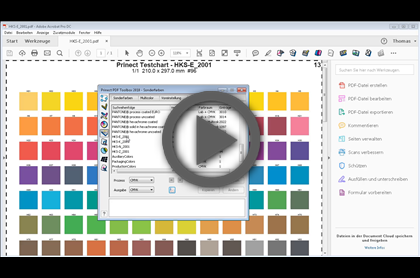
This video shows how a test chart with all spot color definitions is created from a color table in Color Editor Spot Colors of the Prinect PDF Toolbox. The test chart is measured with the Color Toolbox and compared with the imported reference file.
(Video for Prinect PDF Toolbox 2018)

|
Video Tutorial: Export color tables as test charts and analyze them Duration: 3 min. |

Creating and analyzing spot color strips
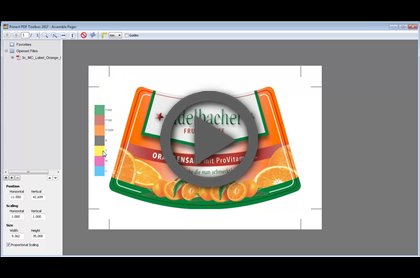
This video shows how a color strip with spot colors is created using Assemble Pages of the Prinect PDF Toolbox and analyzed with the Prinect Color Toolbox.
(Video for Prinect PDF Toolbox 2018)

|
Video Tutorial: Create spot color strips and analyze them Duration: 4 min. |