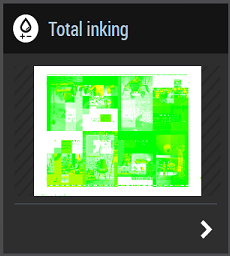
Checking the total inking helps the press operator to identify places on the press sheet where inking is too high and to implement corrective action before production. For example, this avoids press sheets from sticking together and the printed image from slurring.
You can check total inking for the current job and for all pending jobs on the Wallscreen XL. This applies to jobs on your machine and on all cluster engines. Which engines are in a cluster is defined on the Prinect Cockpit (see the Online Help of the Prinect Cockpit for more details).
Available tile: