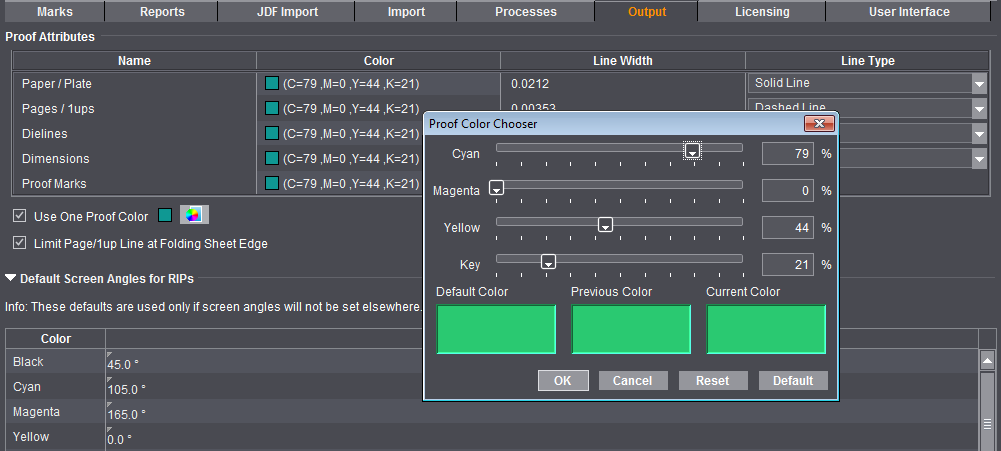
In the "Output" tab, you will find the "Proof Attributes" and the "Default Screen Angles for RIPs" (in predecessor versions in the "Defaults" tab).
Colors for defined lines
You can set the color, width and type of line for the various profile lines. The unit in the "Line Width" column is equivalent to the standard unit of measure from the Preferences.
Use One Proof Color
You can select either a separate proof color for output of each of the listed line types or use the proof color you selected in this box for output of all line types.
Limit Page/1up Line to Folding Sheet Edge
The proof lines are drawn up to the sheet margin when this option is disabled. This can be become confusing if there are different-sized 1ups on one sheet. If the option is enabled, the proof lines are drawn only to just over their folding sheet edge, making it easier to assign the lines to the correct 1ups.
Default Screen Angles for RIPs
Settings in this group do not affect the Heidelberg workflow. The values are used only when you output to third-party RIPs.
More details can be found in Default Screen Angles in the Job Inspector.