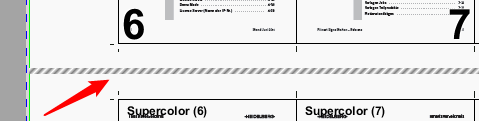
The print quality control strip lets you localize any nozzles that have failed in the print heads on Heidelberg inkjet digital presses. Print control strips do not have any content but simply specify the position for the nozzle test.
For that reason, these marks are hatched in the graphic window. We recommend not having any other marks or contents within the hatched area of the print quality control strip because these can interfere with the analysis of the tests.
Example: Print Quality Control Strip in the graphic window
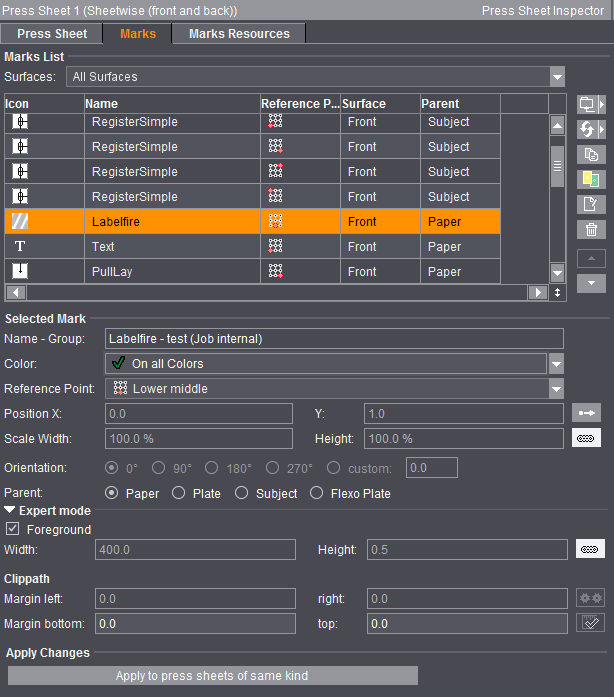
Only restricted setup options are available for the print quality control strips in the "Marks" tab. You cannot modify the position in X direction, scaling of the width, orientation and the margin on the left and right.
The print quality control strips are copied to the marks layer only in the JDF workflow and have a knockout impact there.