User interface 1
User interface 2
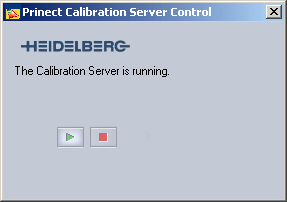
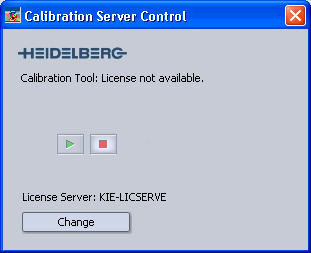
The calibration server must always be running in order to use the calibration software. See also Structure and Launch of the Calibration Software .
The calibration server of Calibration Tool generally starts automatically when a user logs in. However, it's also possible to start and stop the calibration server manually using the "Calibration Server Control" application.
Start Calibration Server Control as follows:
"Start > Programs > Heidelberg Prinect Calibration Tool > Calibration Server Control".
Different user interfaces can display depending on the licensing method you used:
|
User interface 1 |
User interface 2 |
|---|---|
|
|
|
|
|
Start calibration server |
|
|
Stop calibration server |
|
"Modify" |
Modify the License Server |

