What's New?
What's New and Enhanced in the Prinect Color Toolbox?
In this chapter, we would like to highlight to you briefly the main enhancements and changes in the current Prinect Color Toolbox. The blue links will take you directly to more details on the topics.
New Features in Version 2020 of the Prinect Color Toolbox
•A restart is no longer necessary after changing the license
•Additional diagram in "Measure > NPDC (G7)" for checking the gray balance of the chromatic grays
•Updated process standards 2016
•TC1617 test chart can also be used for gray balance calibration.
•Enhanced printing of reports
•New function, "Stabilized Gray Axis of Selected Black", for profile calculation in the "GCR setting/Black generation" dialog; this option can be used to have a neutral gray even if there are process fluctuations (see Stabilized Gray Axis of Selected Black).
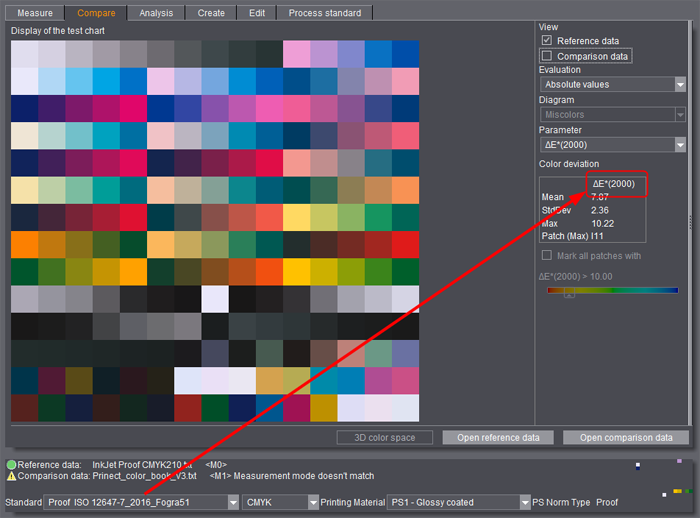
•In the "Compare" main function, the color distance values shown by default depend on what is saved in the selected process standard. You can still toggle between ΔEab and ΔE00 in each view. If you explicitly toggled the display between ΔEab and ΔE00 once manually, the mode of the selected ΔE formula is kept until the Color Toolbox is exited.
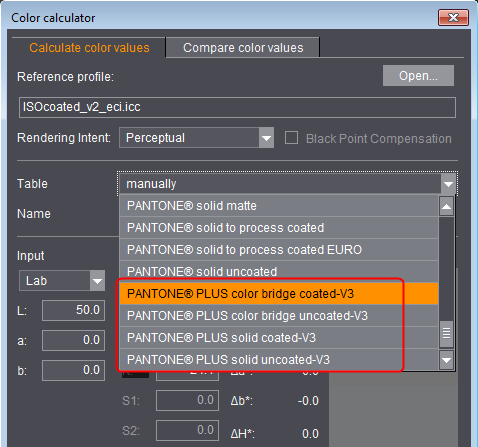
•Updated color tables in the color calculator
The existing color tables were updated, new color tables ("V3") were added.
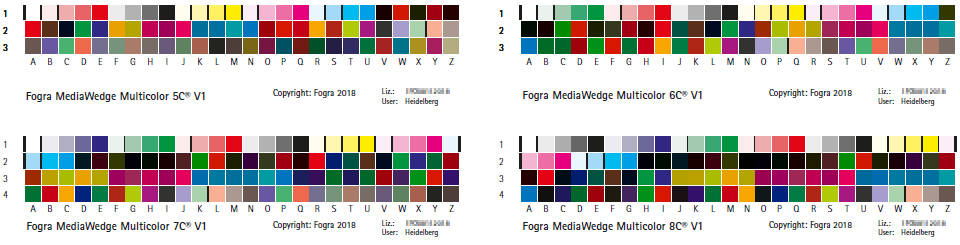
•New control strip, Fogra Media Wedge Multicolor, (3x26 patches) for use with spot colors can be measured with the Color Toolbox. This is used mainly for measuring multicolor proofs.
When you start a new measurement, you select "FOGRA Media Wedge Multicolor" in "Control strip" and in "Type" you can choose between 5C, 6C, 7C and 8C. The control strip may have to be enabled in the Preferences before it is used for the first time.
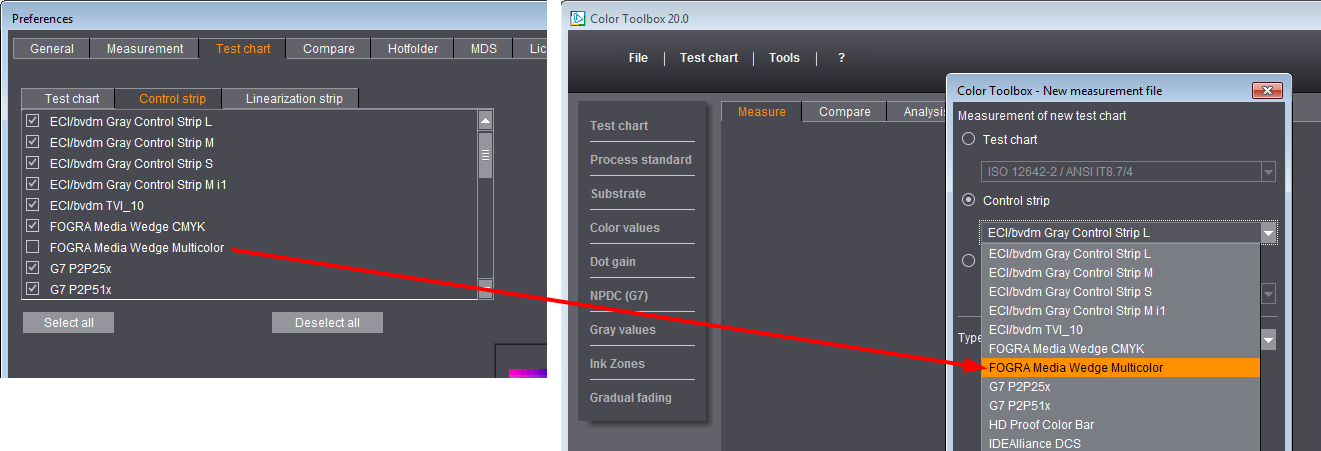

Note: When you start a new measurement, the spot color patches are gray in the preview because the values are not yet known at this stage.
The following colorimeters can be used for measurement:
·Techkon SpectroDens
·XRite eXact in the Spot mode
·XRite i1Pro 2 in the Spot and Scan mode
·Konica Minolta FD7
•Default settings and names adapted:
"ISO coated standard" becomes "ISO Offset Print"
New values:
·Total area coverage: 300%
·Maximum black: 96%
·Starting point K: 10%
·Black width: 10
"Digital Print" becomes "Digital Toner Print"
New values:
·Maximum black: 100%
·GCR: 50%
·Less GCR in skintones: enabled
·Starting point K: 10%
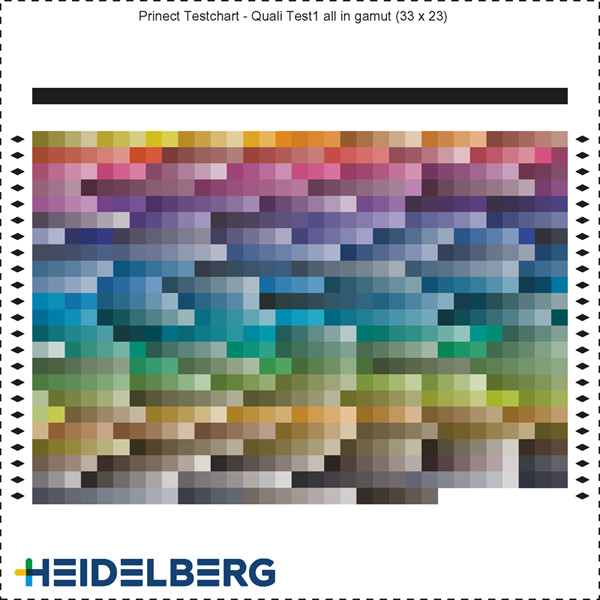
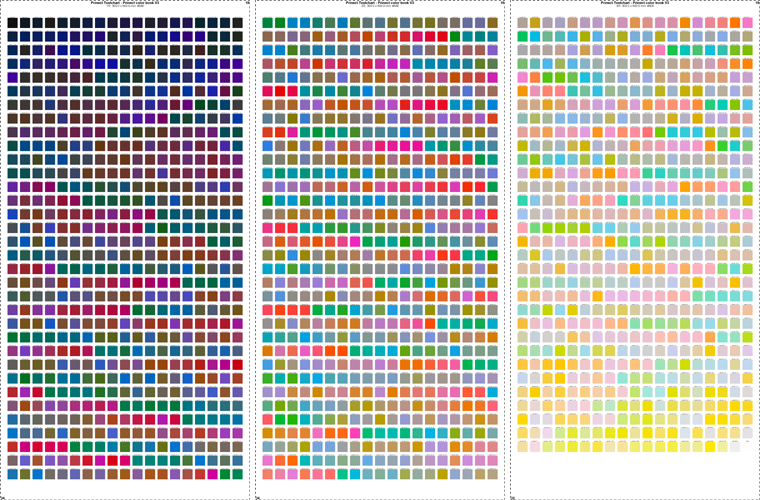
•The "AllnGamut" and "ColorBookV3" test charts (in versions 300x600, 340x520, 1000x700 and i1iSis) can be measured with the Color Toolbox.
The PDF files of the test charts are located in the "...PDF\ColorTest" folder. For measurement, you can open these test charts from the "Samples" folder with "Open".
The following colorimeters can be used for measurement:
·XRite i1iSis
·Konica Minolta FD-9
"AllnGamut" test chart:
"Prinect Color Book V3" test charts (illustration shows the version made up of three pages, "Prinect_color_book_V3_300x600"):
New Features in Version 2019 of the Prinect Color Toolbox
Optimized profile calculation
Profile calculation was enhanced, making calculation noticeably shorter especially with extensive Multicolor profiles.
Process standards
•New process standards 2016 for offset, proof and digital
For details, see Process Standards for 2016.
Measure & evaluate
•The restrictions when measuring the P2P25 and P2P51 control strips (select via "User defined", mirrored preview) no longer exist. You can now select the control strips in the "New measurement file" dialog directly in "Control strip", with the preview oriented correctly.
You can measure P2P51 with the X-Rite i1 iO, X-Rite i1 iSis and Konica-Minolta FD-9. The results are evaluated in compliance with the G7 guidelines and can be used for gray balance calibration.
•New view, "NPDC (G7)"
"NPDC" stands for "Neutral Print Density Curve".
The view is active only if a G7 process standard is set.
At present, G7-P2P51 and G7-P2P25 as well as TC1617h and TC1617v can be used as test charts.
For details, see 'NPDC (G7)' View.
•New released measuring device, Techkon SpectroDens NG.
Restriction: In the scan mode with the ColorScout A+, the SpectroDens NG can be used only for measuring IT 8.7/4 test charts.
•Warning when comparing measured data with a different measurement condition
If you open color data sets in "Compare" whose reference and comparison file were measured with different measurement conditions, a warning displays in the footer, telling you that the measurement conditions do not match:

New functions in the "Tools" menu
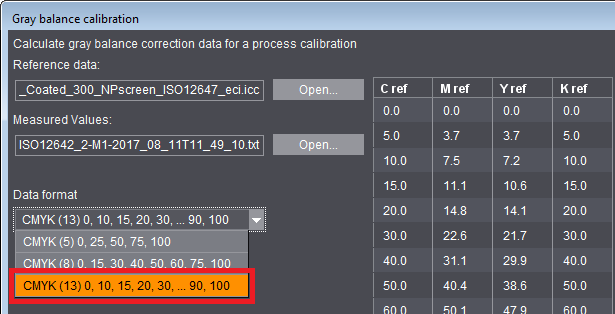
•Gray balance calibration
For the correction data format of gray balance calibration, you can now also select 13 coordinates in addition to the 5 or 8 coordinates possible to date. This format was enhanced especially by coordinates for highlights and shadows, something that can be important particularly for stochastic screens. See also Calculate correction data.
New test charts
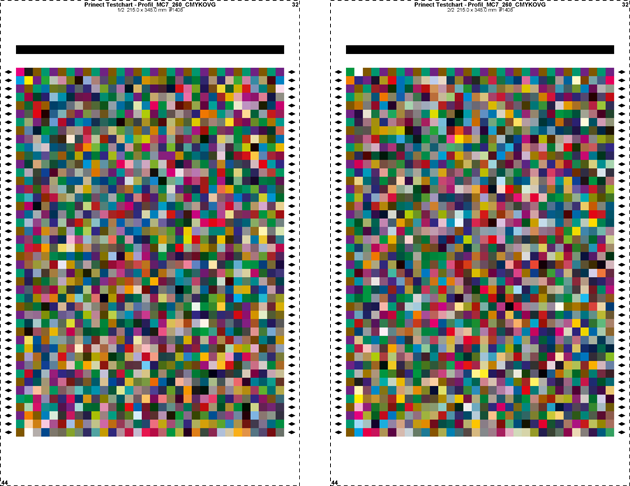
•Multicolor test chart 7-C "PrintOpen MC7 260 CMYKOGV" with 2x 1408 color patches.
New test chart with restricted total area coverage for enhanced scanning of the area used, suited especially for creating profiles for Primefire and Labelfire (see also Multicolor Test Charts).
•Quality Check
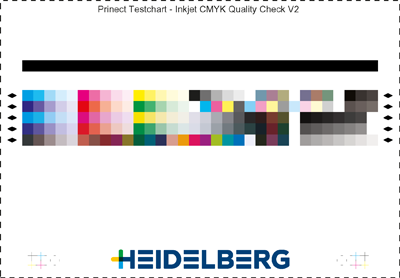
New control strips for print quality control on inkjet machines like Primefire or Labelfire, either for CMYK or Multicolor (see also CMYK / MC7 Quality Check).
What's new in the Online Help
•Video tutorial on measuring with the Konica Minolta FD-9:
Color Toolbox & Konica Minolta FD-9
•Video tutorial on using serial measurements and analysis:
Serial measurement for analysis with CMYK Quality Check as an example

Note: The new process standards 2016 for offset, proof and digital and the "NPDC (G7)" view are available also for version 2018 via an update. This is valid also for the use of the P2P51 and TC1617 test charts for G7.