
The "ImpositionProof" sequence in the "Rendering" step has a special feature called "Optimization for Inspection Control".
Prerequisite: "Optimization for Inspection Control" is available only if the following prerequisite is met:
A "TIFF" soft proof printer must be set up with the Proofing Engine Manager and set for the RGB color space. This soft proof printer must be set for this sequence:
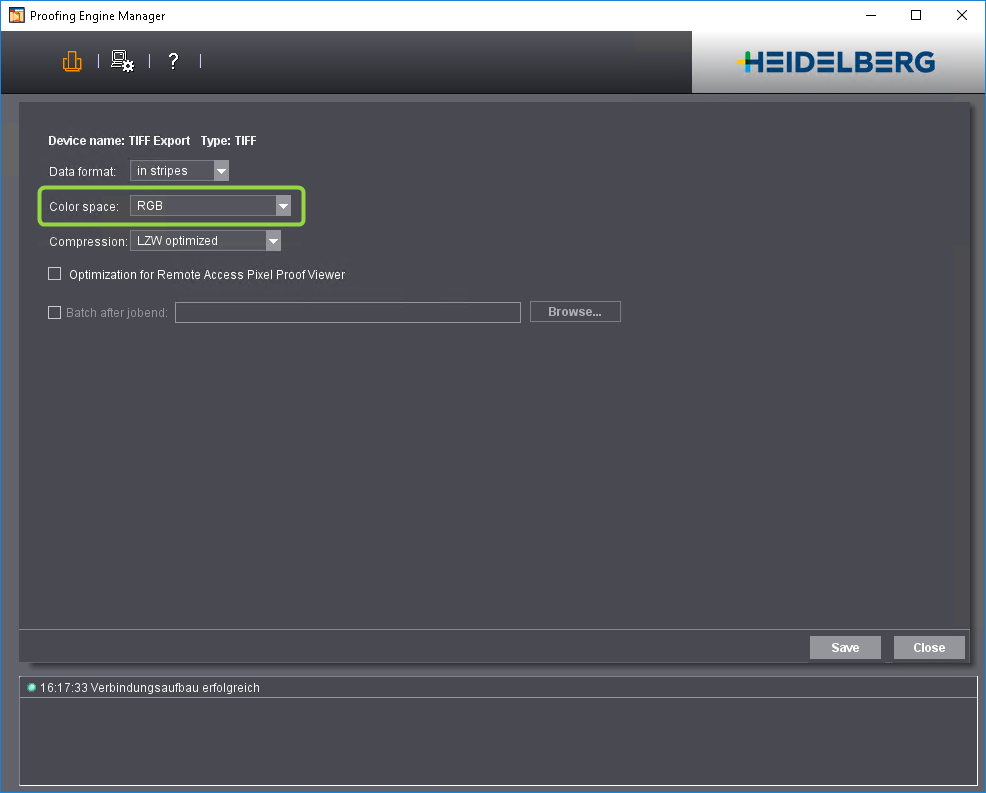
When you enable this option, the "ImpositionProof" sequence creates special Tiff files for Inspection Control. The output files then have the following setup:
•Resolution is set to 200 dpi (needed for Inspection Control).
•An antialiasing factor of '6' is set. This creates a very smooth image that optimally matches the scan results of Inspection Control.
You will find more information about the "Rendering" option in: "Rendering" Option.